
Where the word comes from
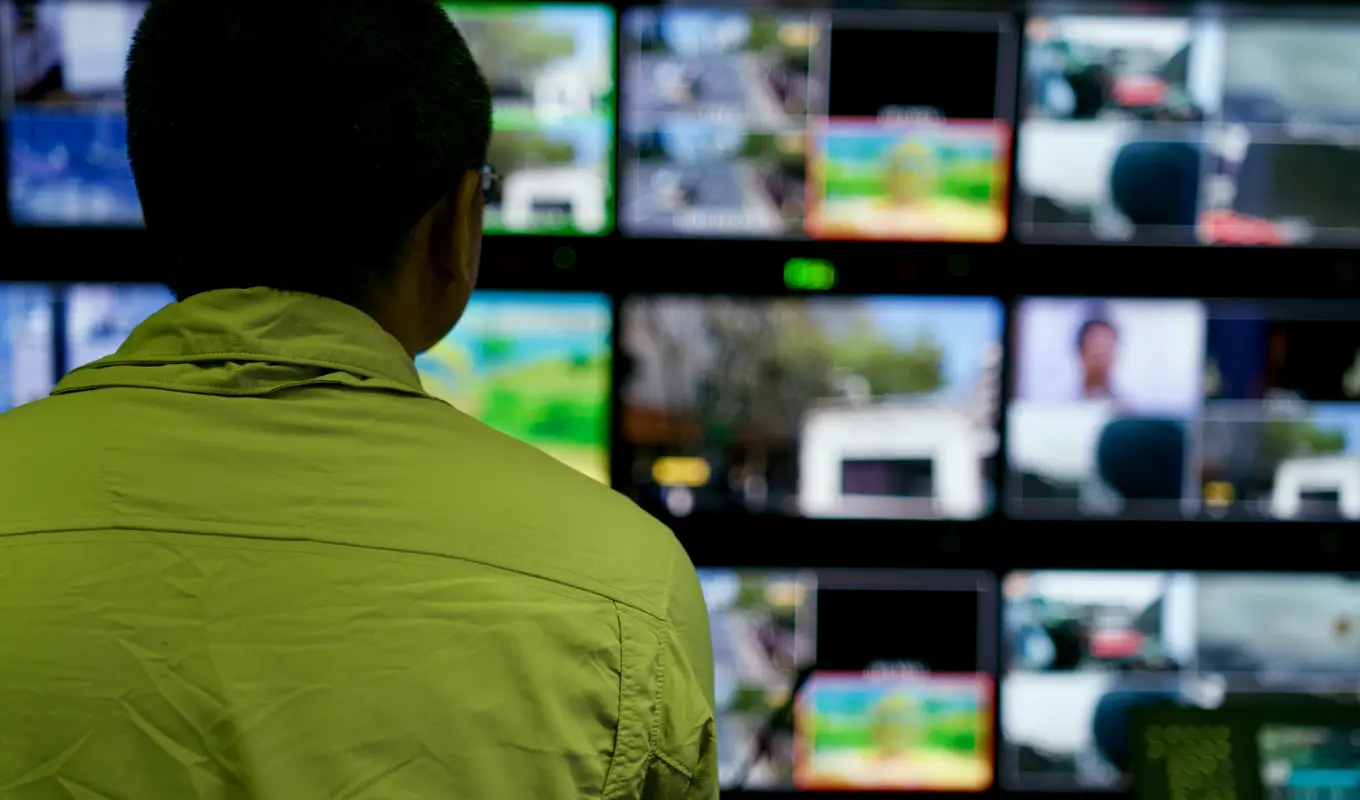
Shading is the trade's word for adjusting a camera's picture from a control room while the camera itself sits out on the studio floor. The person doing it, often called the shader or vision engineer, watches a monitor and a waveform display and moves controls on a panel that talks to the camera over its cable or fibre link.
The word is older than most of the kit we now use it with. It began with tube cameras, where the picture really did need shading to correct uneven brightness across the frame. The cameras changed completely, yet the name stayed, and today it simply covers the routine of keeping every camera in a show looking like it belongs to the same programme.
When producers ask me what a shader does all day, I say they keep the pictures boring in the best way: no surprises between one camera and the next.
What actually gets adjusted
The core controls are few. Iris sets how much light reaches the sensor, and with it the overall brightness. Black level, sometimes called pedestal, sets where the darkest parts of the picture sit. Gain lifts the signal when the studio is dim, at the cost of added noise, so it is used sparingly and with intent.
Beyond those come colour controls. White balance makes sure a white shirt is white under the set lighting, while paint or matrix adjustments fine-tune how skin tones and set colours render. Detail controls change how sharp edges appear, and many productions soften them slightly for faces.
None of this is mysterious once you see it done. Each control moves one thing you can measure on the scopes and see on the monitor.
- Iris: overall exposure
- Black level: the floor of the picture
- Gain: extra signal in low light
- White balance: neutral whites
- Detail: edge sharpness
Matching cameras across a show
Matching is the real purpose. If camera one makes the presenter look warm and camera three makes them look pale, the audience notices the cut even if they cannot say why. The shader chooses one camera as the reference and brings the others into line against it, checking skin tones, whites and the depth of the blacks.
This is easiest when the lighting is consistent, which is why shading and lighting design should be talked about together. A shader can correct a small difference between cameras, but a hard pool of light on one side of the set will keep causing trouble however carefully the panel is worked.
Lenses and sensor ages also differ between cameras in a fleet, so a match made at the start of the day needs checking again as the studio warms up.
Remote heads and the control room
Camera control rarely stops at the picture. Remote pan and tilt heads let one operator move several cameras from the gallery, and they depend on the same cabling and control network as the shading panels. Where those links are planned together, faults are easier to trace.
The control room layout matters more than people expect. A shader needs the reference monitor, the waveform and the panel within easy reach and in a light-controlled corner, free of glare from other screens. A well-placed desk lets one person hold a match for hours without eye strain.
When we advise on a room, we begin with who sits where and what they must see at a glance, then work back to the equipment.
Common misunderstandings
The first is that shading fixes bad lighting. It does not; it refines good lighting. Pushing gain to rescue a dim set trades one problem for a noisier picture. The second is that matching means making every camera identical in every respect. Cameras on wide shots and close shots may be balanced slightly differently to suit their job.
A third is treating shading as a one-off setup. Daylight through a studio window, a changing set or a warming camera all shift the picture, and a live show benefits from someone watching throughout. For a short recorded session a careful line-up at the start may be enough.
Knowing which situation you are in is part of planning the crew, and it is a question worth settling early.
Questions worth asking before a show
Before booking a shader or fitting out a control room, a few plain questions save time. How many cameras will run, and are they the same model? Who is the reference camera? Will the lighting stay fixed through the show, or change between segments? How far is the control room from the studio floor?
Answers shape the equipment and the staffing. A two-camera interview set needs a very different arrangement from a multi-camera entertainment floor, and neither needs the other's budget.
We often sketch these answers on a single page with the producer and technical director, so everyone shares the same picture of how pictures will be kept consistent.
Shading is a simple idea with a long history: keep the pictures of every camera consistent so the audience never notices the technology. The controls are few, the scopes make the results measurable, and the best results come when lighting, cabling and control room layout are planned together. If you are unsure how much camera control your production needs, a short conversation about cameras, crew and schedule is usually enough to settle it.